 iCentre
Student discount · iCentre
iCentre – 3% student discount
iCentre: 3% student discount for verified students – Full-priced iPhone. Free activation in the Diverzum app.
How to Use?
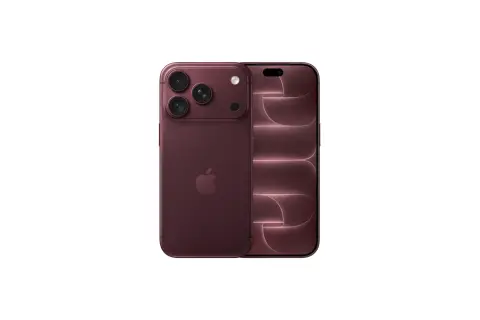
The discount is also valid for iPhone 18 Pro and Pro Max devices!
A coupon can only be used for one order at a time, and only one coupon code can be applied per order. The discount is valid only on full-price products and cannot be combined with other promotions. The discount is valid while stocks last or until revoked.
You can redeem the discount both online and in stores!
Here’s how to redeem the discount online:
Swipe the slider to activate the discount, then wait for the page to redirect.
Browse freely among the iPhone devices.
Log in to your iCentre account to make a purchase.
At checkout, under Discounts, click on Coupon, paste the code you received into the Coupon code field, and click the Redeem button.
Complete your order, and you’re done!
If you want to buy several different products from the iCentre site with discounts, please place separate orders, as only one type of coupon code can be used per order.
Here’s how to redeem it in stores:
Choose the iPhone device you want to buy.
Swipe the slider to activate the discount.
Show the received coupon code at the checkout.