 Samsung
Student discount · Samsung
Samsung – 10% + 10% student discount
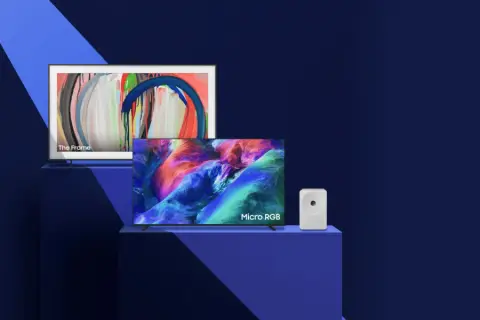
Samsung: 10% + 10% student discount for verified students – On TV and audio devices. Free activation in the Diverzum app.
How to Use?
Important: Complete your purchase with the same device you started the process on to ensure you get the discount.
To redeem the discount, you must log into your Diverzum profile. The discount is valid while stocks last but no later than 09:00 on 30.11.2026.
Buy TV or audio devices with an extra 10% discount!
After activating the discount, prices on Samsung’s site will already show a 10% discount, and for the extra discount, use the coupon code!
How to redeem:
Swipe the slider below – we’ll redirect you to Samsung’s official site.
Please accept the cookies!
Add the selected products to your cart.
At checkout, paste the code you received into the 'Enter discount code!' field under 'Discount code', then click the 'Redeem' button.
Log in to your Diverzum profile at checkout.
Enter the required purchase details, choose delivery and payment methods, and complete your purchase!
T&C: https://www.samsung.com/hu/article/2026-black-friday-student-tc/